I’m new to trading. Is Bellchain for me?
Yes. You need neither code nor prior knowledge: every template explains its idea, every node starts in the docs with an everyday picture, such as the RSI as a rev counter, and the replay shows you on real prices what would have happened, without putting money in. You can try it without an account, and you don’t need an exchange account for it.
Is this investment advice?
No. Bellchain only tells you what you defined yourself, like “RSI below 30”. Whether that’s a good moment to buy or sell is not something we judge, and we never trade for you. Take-profit (TP) and stop-loss (SL) in the replay are a look back with fixed rules too, not a forecast: if a strategy paid off in the past, that doesn’t mean it will again.
What do TP and SL mean in the replay?
Take-profit (TP) is the price at which you take a profit, stop-loss (SL) the one at which you cut a loss. The replay scores every signal as if you had entered at the close of the candle and exited at TP or SL, with a 0.1% fee per side. If one candle reaches both, the SL counts, and every signal counts on its own. You set the distance in % or as a multiple of the ATR, optionally with up to three TP levels, a trailing stop or an exit after N candles. TP and SL are saved with the chain; from Pro, Bellchain also scores every live alert with them on the Alerts page. All the rules are in the docs.
Do I need API keys from my exchange?
No. Bellchain fetches prices itself, from public data without keys. You don’t connect an exchange account, and Bellchain can’t place orders. If you want to trade automatically, Bellchain sends signals to your own trading bot from Trader up; the trading happens there.
Which exchanges and coins are supported?
Prices come from crypto exchanges, with the spot pairs traded there, including euro pairs like BTC/EUR. The candle node lists the exchanges to choose from under “Exchange”, and the editor suggests that exchange’s pairs as you type. From Pro on, a chain runs as a scanner over many coins at once, from your own list or as the top by volume. Also from Pro, funding rate and open interest from the futures market come on top, and the Wallet node reads balances straight from the blockchain.
Can I control Bellchain with an AI assistant?
Yes, from Trader up, through our MCP server. Claude, Codex, Cursor, GitHub Copilot in VS Code, Gemini CLI and other MCP clients can then answer questions about your chains and alerts, test ideas in the replay, create chains as drafts, and change, activate, pause or delete them. You confirm every change first. Bellchain itself uses no AI for this and sends nothing to AI providers. The docs explain how to set it up.
What does an alert contain?
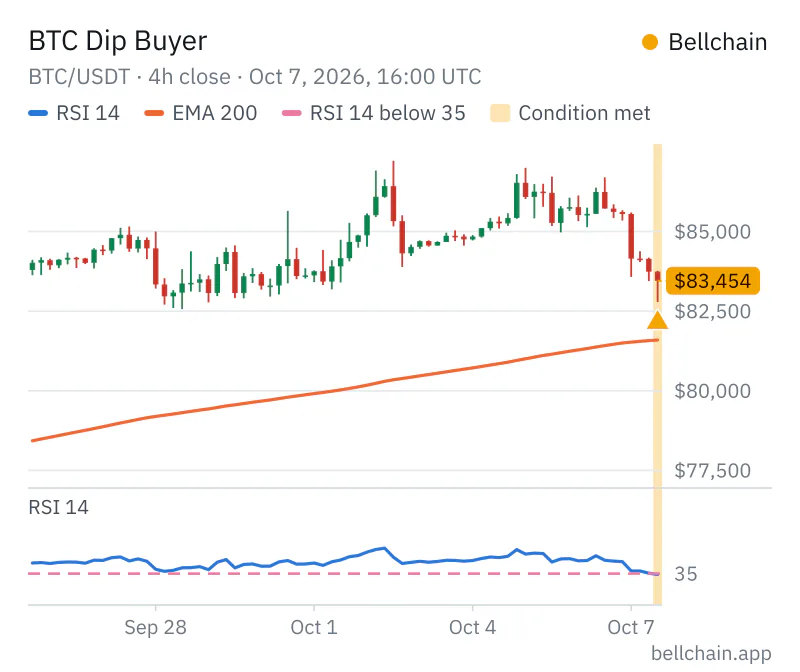
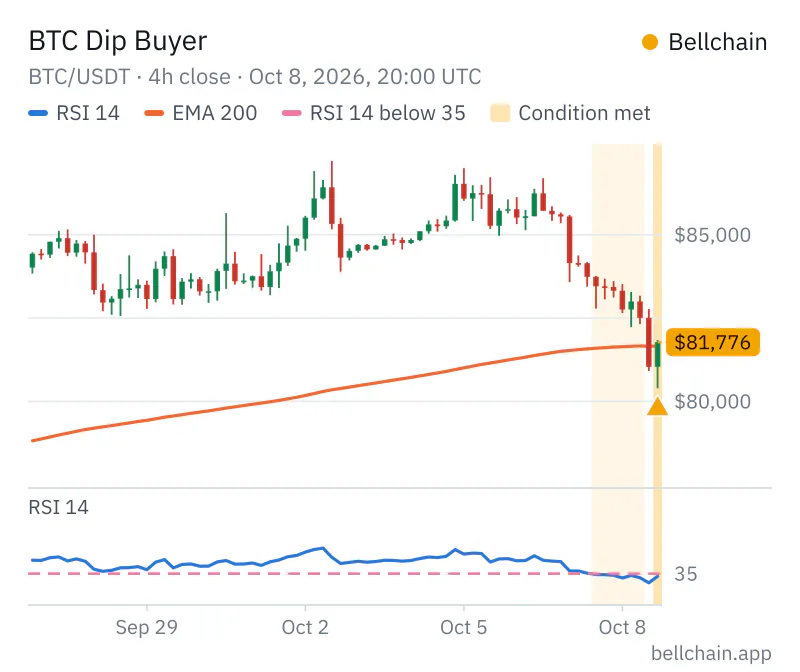
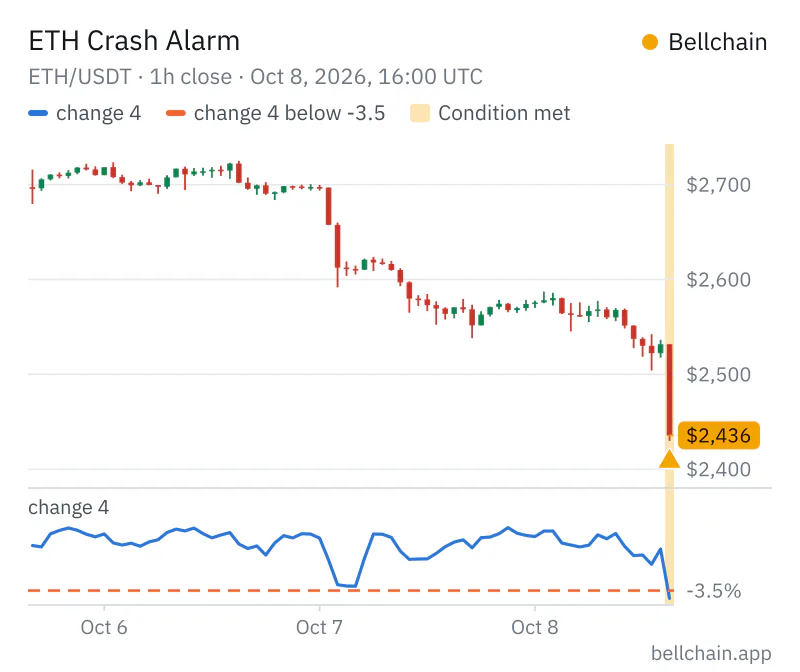
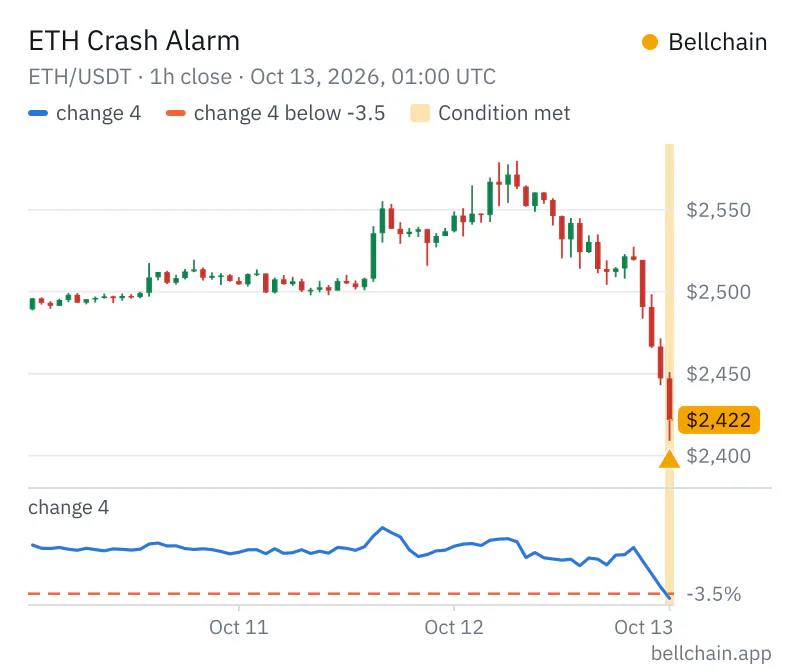
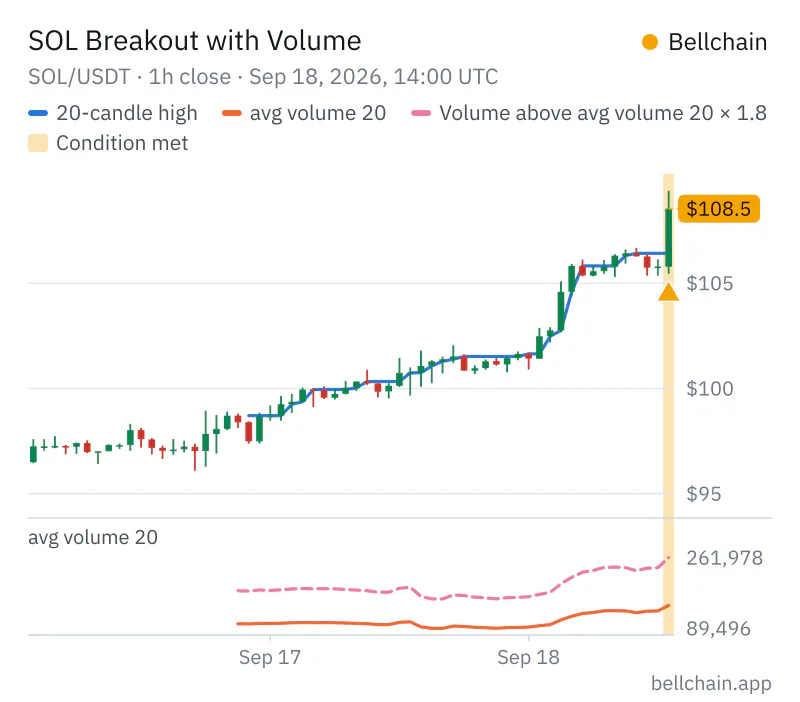
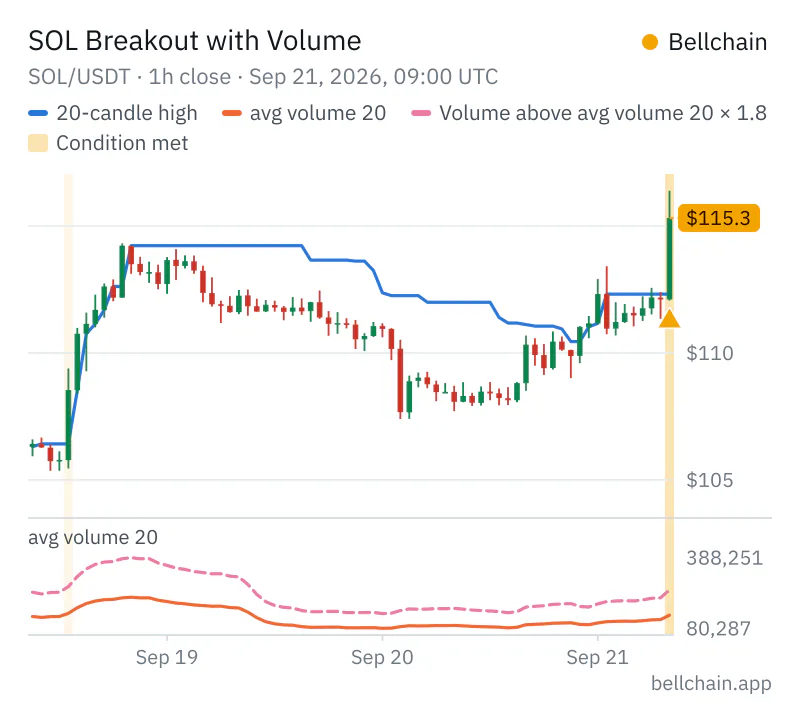
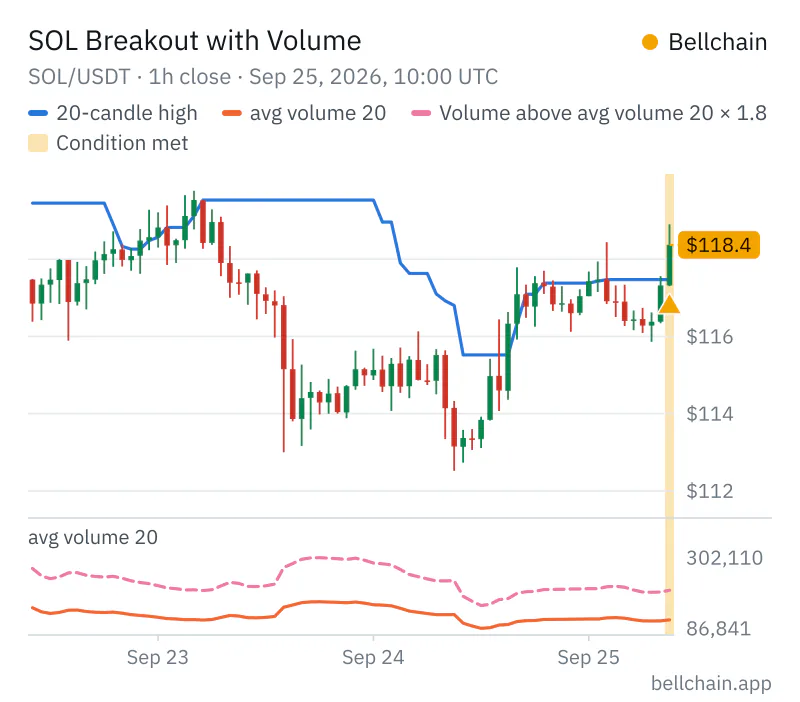
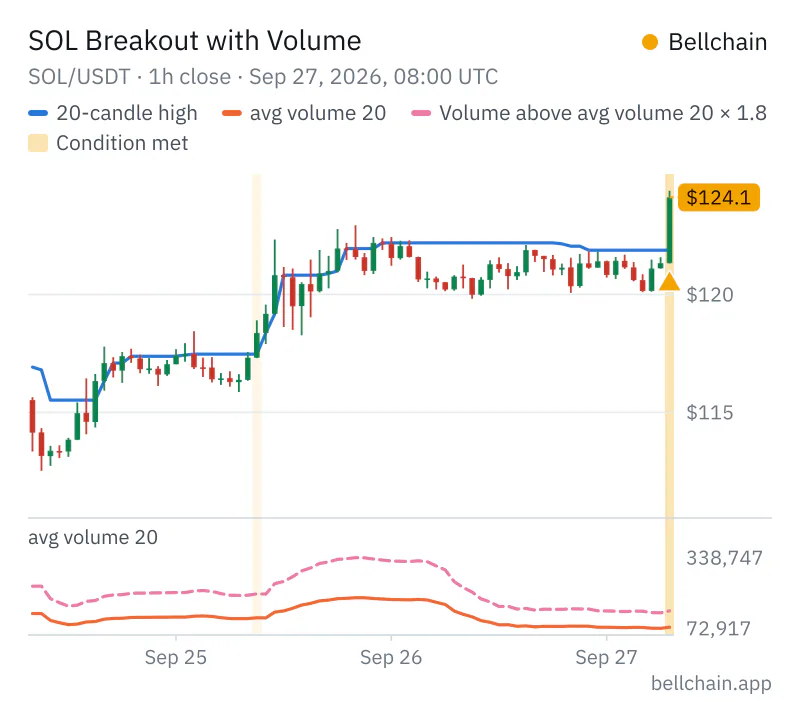
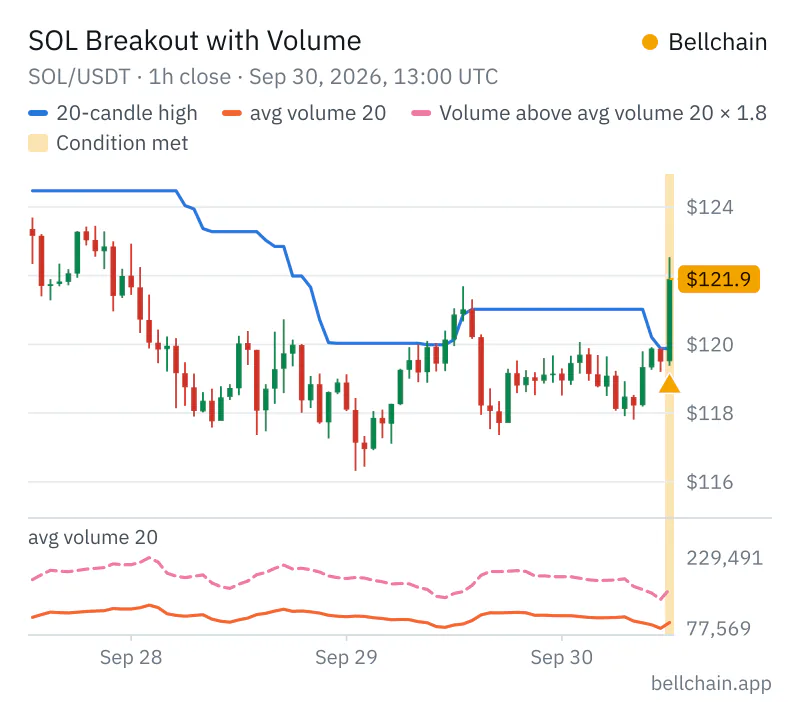
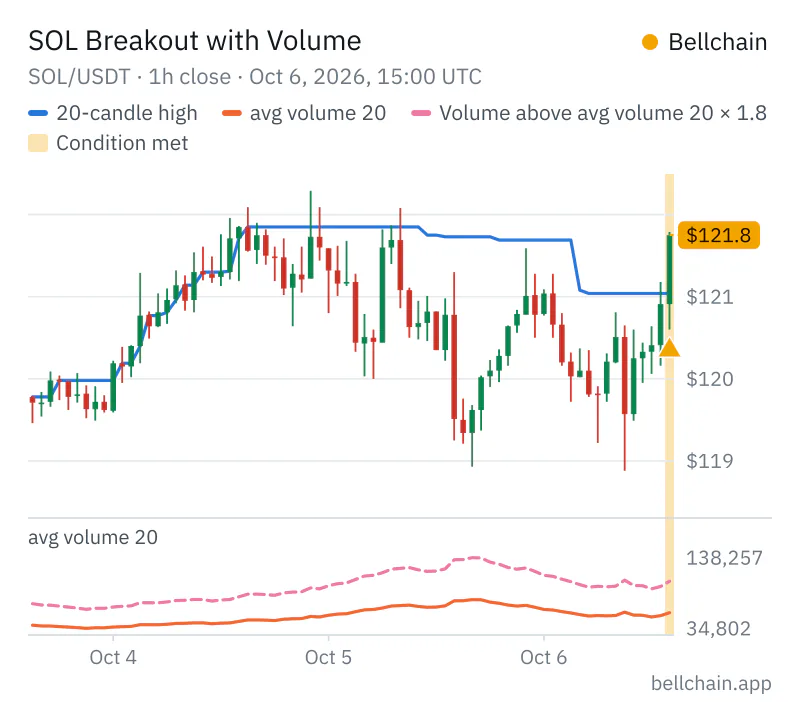
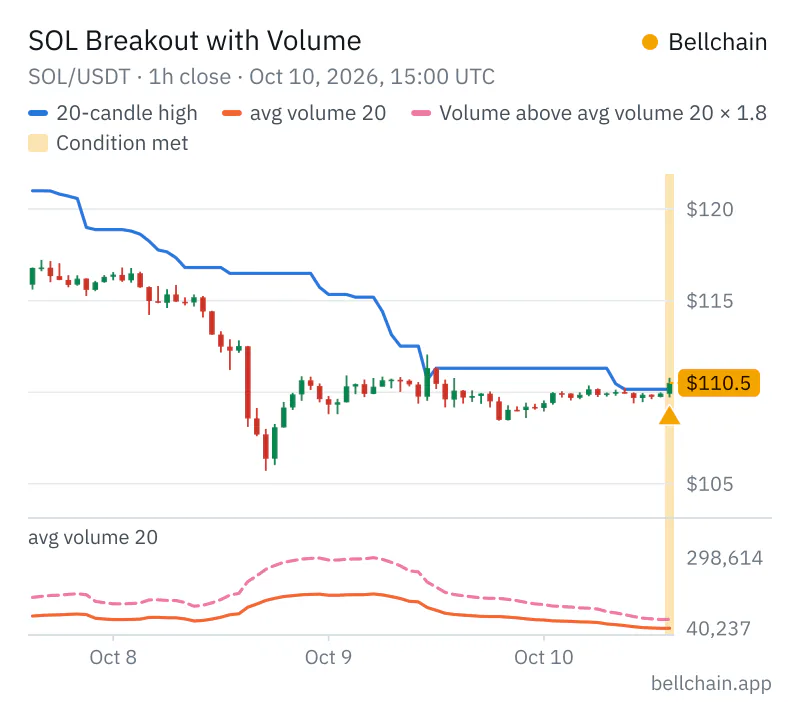
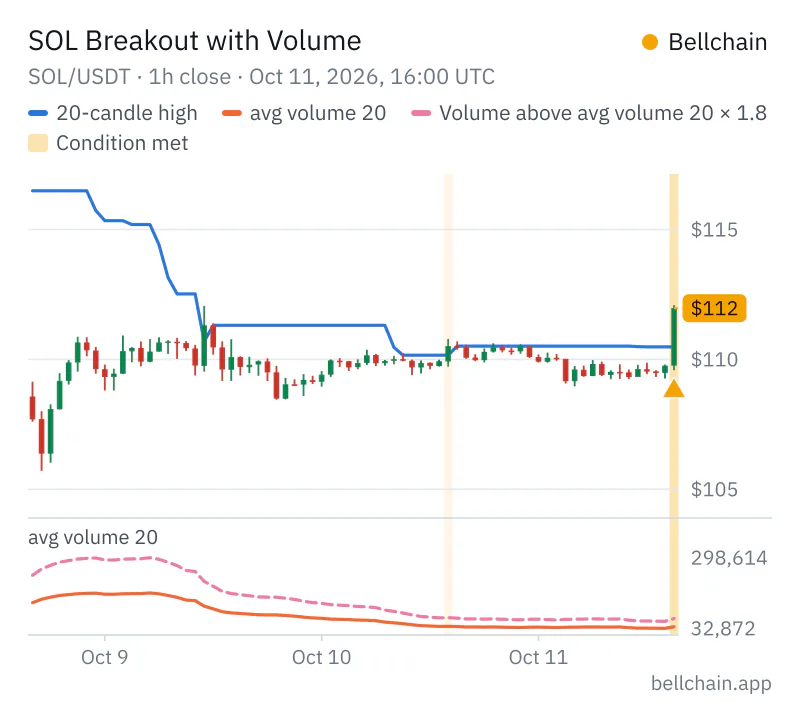
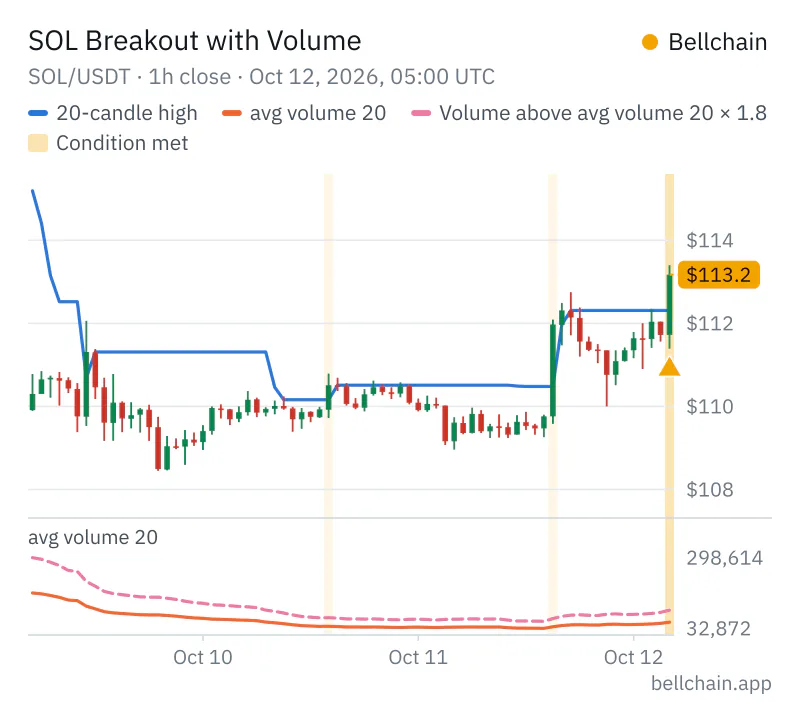
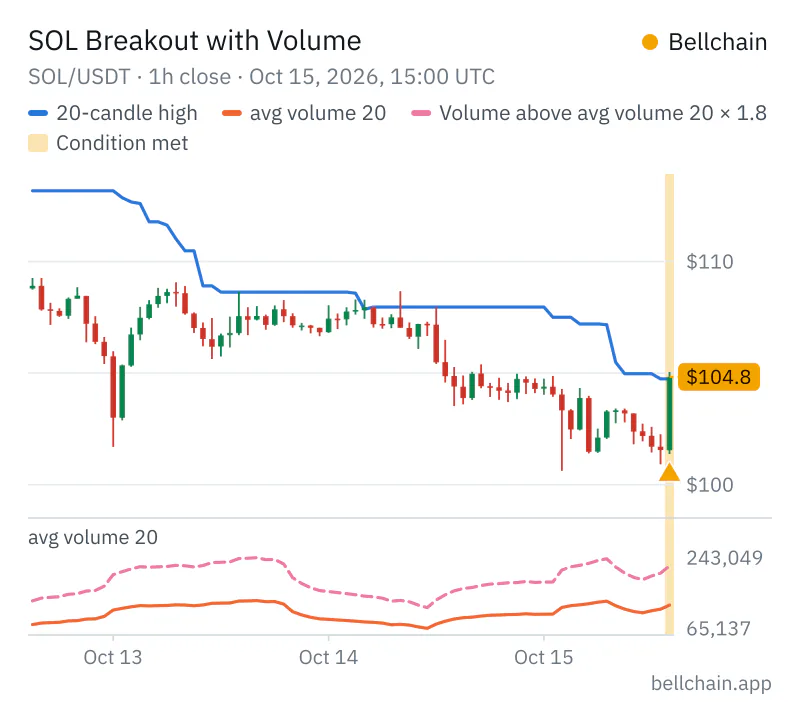
The name of the chain, your message, the values of the nodes and the candle with its close in your time zone. In Telegram and email a picture of the chart comes with it, in every plan, and with Community in Discord too: the latest candles with the lines of your nodes and the candle of the alert.
How fast do alerts arrive?
Bellchain checks your chain as soon as a candle closes. Our goal: the alert reaches you a few seconds later. With 1-hour candles that means shortly after the full hour, not in the middle of it.
How can I tell whether Bellchain is up?
On the status page. It checks from the outside every 5 minutes whether the app, alerts and the website are running, and it’s hosted by another provider, so it still shows the state when Bellchain itself is unreachable. Best to bookmark it.
What does Bellchain cost?
Free costs nothing and needs no credit card: one active chain with candles of 15 minutes or more. Pro, Trader and Community come monthly or yearly; the prices are above. You can try Pro free for 7 days first; Trader and Community are booked directly.
How does the Pro trial work?
You start the trial in the app and add a payment method; nothing is charged. Pro applies right away, for 7 days. 3 days before the end we remind you by email and, if connected, on Telegram. Cancel during the trial and Pro ends right away at no cost; otherwise the trial turns into a paid subscription. You can try Pro once per person.
How do I cancel, and what happens then?
In the app under “Plan and billing”, or without logging in via Cancel contracts here at the bottom of every page. A monthly plan runs until the end of the paid month. A yearly plan runs to the end of its first year; after that you cancel with one month’s notice and get the rest back pro rata. Once the subscription is over, your account continues on Free and nothing is deleted: the most recently activated chain keeps running if it fits Free, the rest are paused. Within 14 days of subscribing you can also withdraw and get everything back.
How do I pay, and who issues the invoice?
By card, Apple Pay, Google Pay or Link. Subscriptions are sold through Link, Stripe’s payment service: Link sends your invoice and receipt, and your statement shows “LINK.COM* BELLCHAIN.APP”. Bellchain never sees your card details. Or prepay a month or a year with SOL, from your wallet or from an exchange. Then Bellchain is the seller and sends the invoice; nothing renews automatically. Private customers in the EU pay by card for now. The docs explain how it works.
Who is Community for?
For creators, teams and admins who share alerts with their group. With Community, Bellchain sends alerts via @BellchainBot to your Telegram groups and channels and via webhook to Discord, Slack, Microsoft Teams and Google Chat, through your own bot account to Matrix rooms and publicly to a signal page with RSS feed and widget, up to 20 targets in total. In Telegram you need to be an admin there. You also get everything in Trader and 100 active chains.
Do I get anything for recommending Bellchain?
Yes. Every account, Free included, has its own referral link. When someone creates an account through it and pays, we give you a month of Pro 15 days after their first payment. If you pay for a subscription by card yourself, you get the value of a month of Pro back instead, up to 12 times a year; a crypto prepayment runs correspondingly longer. You won’t find out who came through you; you only see the numbers. How it works is in the docs.
Why are prices shown in euros and dollars?
Prices in euros include VAT, as required in the EU. Prices in US dollars are, as usual in the US, plus taxes where they apply: sales tax in the US, VAT in the EU. Switch between the two above the prices.
Do I need an app from the app store?
No. Bellchain runs in the browser, and on Android or a computer push arrives right there. On iPhone, add Bellchain to your home screen first: from iOS 16.4 via Share and “Add to Home Screen”.
Where is my data stored?
On our server in Frankfurt am Main, Germany. This website sets no cookies and loads nothing from third-party servers. More in our privacy policy.